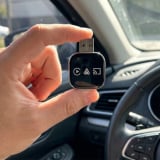
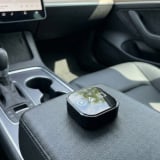
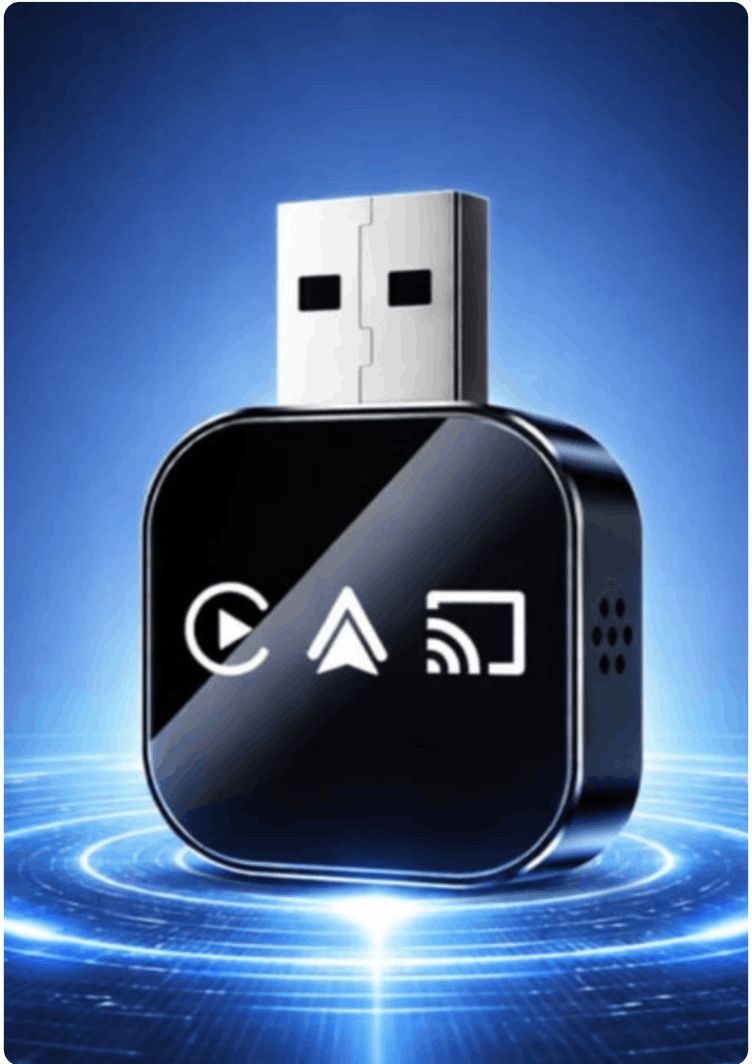
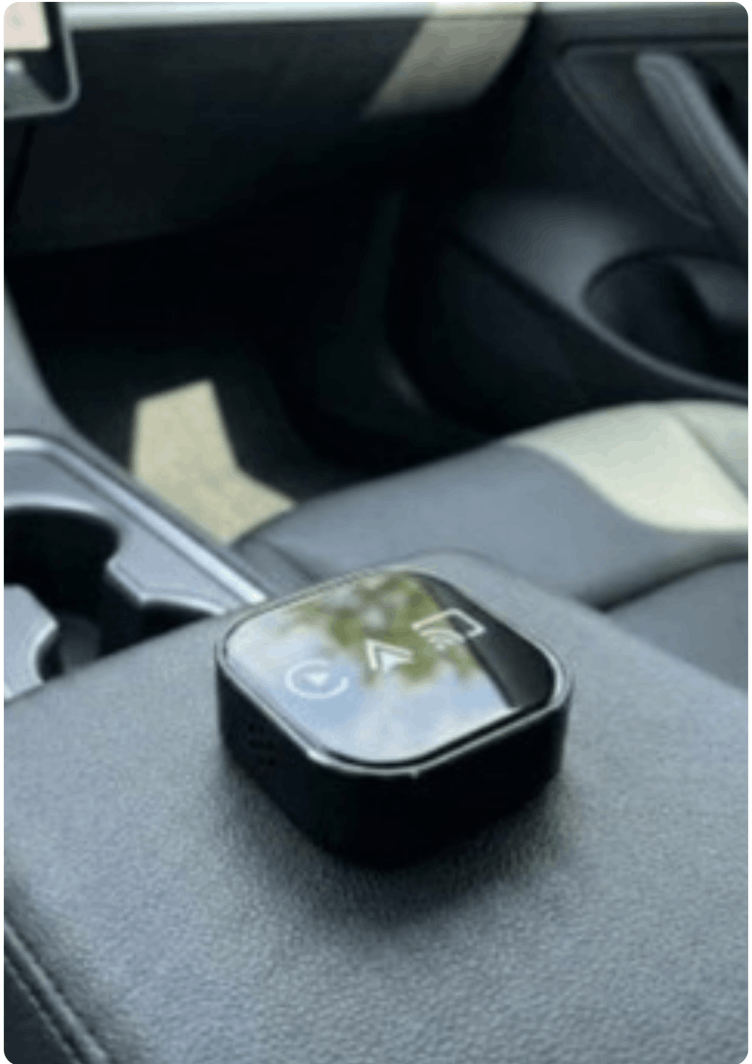
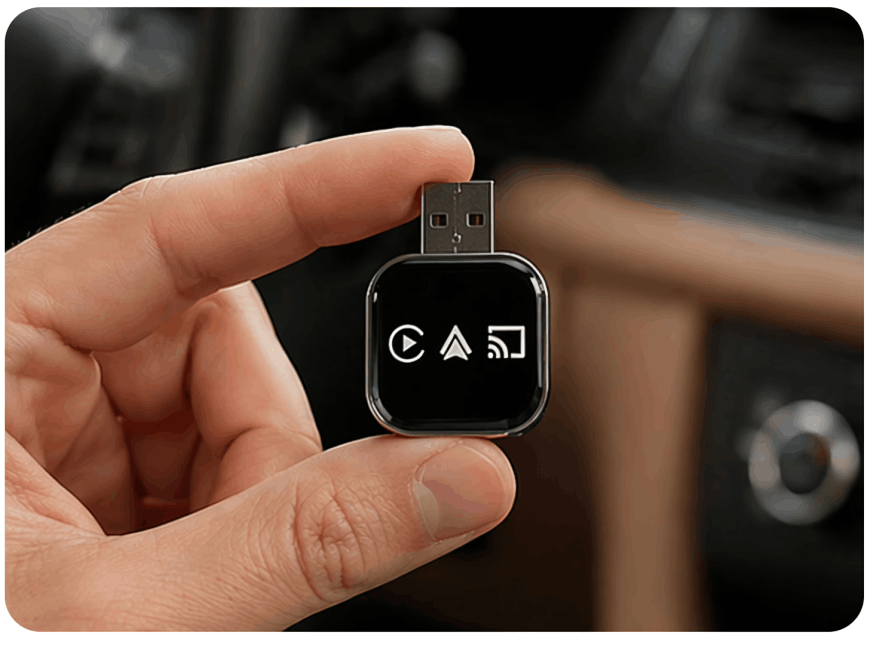
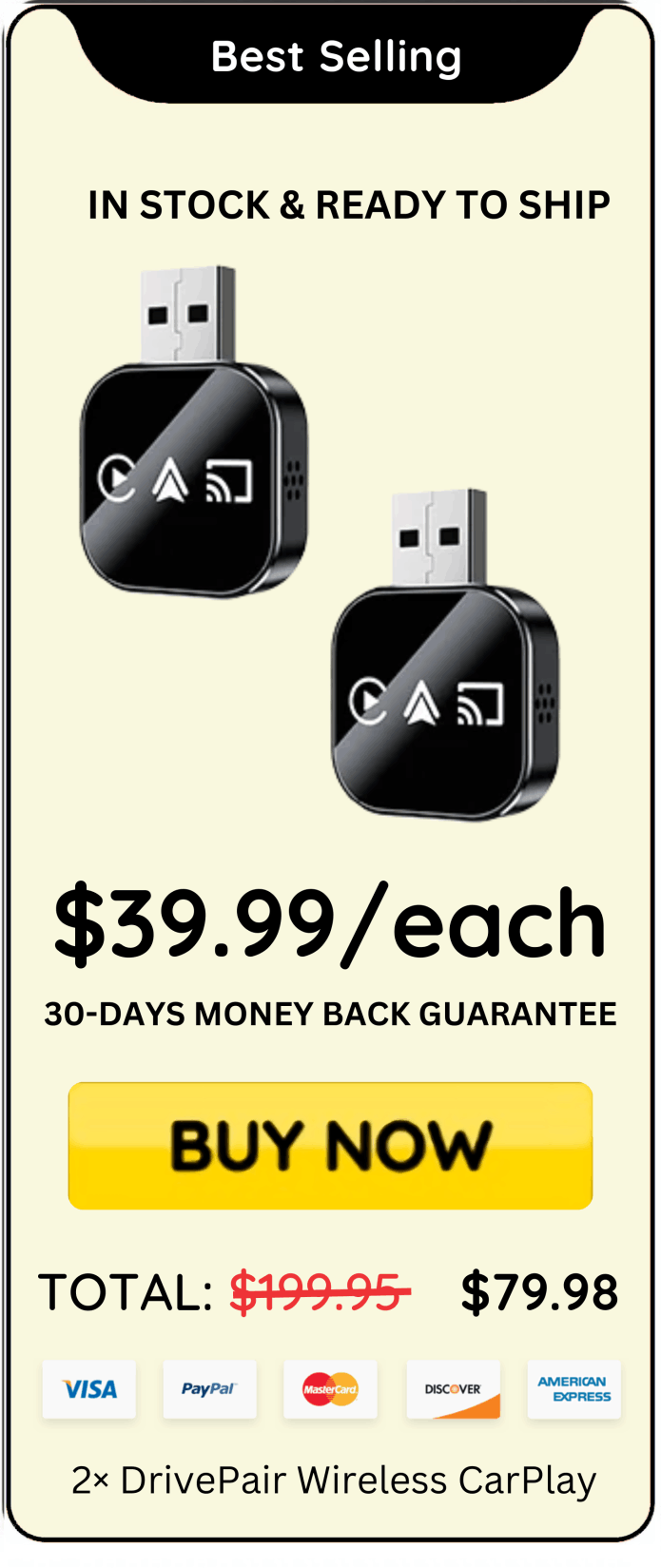
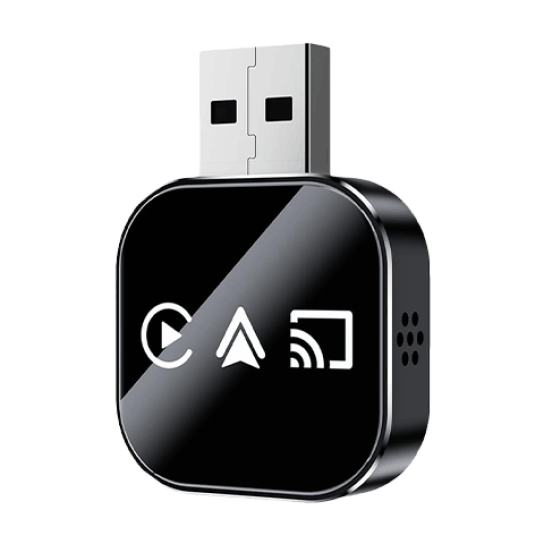
DrivePair is a small plug-in adapter positioned by the brand as a way to make an existing wired CarPlay or Android Auto system work wirelessly. According to the brand, it isn't a standalone infotainment upgrade and it isn't meant for cars that don't already have factory-installed wired CarPlay or Android Auto - it's designed to sit on top of a system you already have and remove the cable.
The brand states this is built for a fairly specific driver: someone whose car already supports wired CarPlay or Android Auto, who plugs in a cable every single trip, and who wants that connection to happen automatically instead.
based on 25,793 reviews!
“45 min commute each way and I was SO sick of plugging in my phone twice a day. Every single day. This connects before I even get my seatbelt on, its a small thing but it’s made my mornings so much better!"
— Elena R. Seattle, (USA)
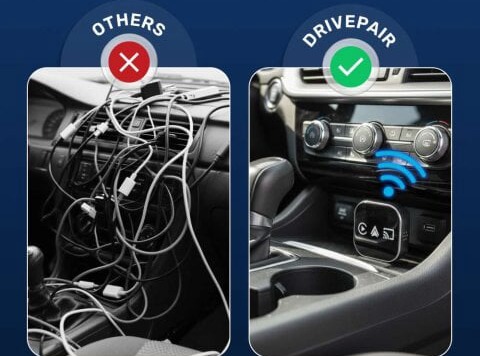
"I had cables everywhere. One in the cupholder, one in my bag, one in the glovebox. Still never had one when I needed it. Now I just get in and my phone connects. Dont even think about it anymore! Best $50 I’ve spent on my car.”
— David K. Austin, (USA)
“Bought this for my wife because her new car only has USB C ports and the cable thing was frustrating her every morning. Used the adapter that came with it and worked first try. She doesn’t even notice it connecting now which is kind of the whole point of good tech if you ask me.”
— Marcus B., Chicago (USA)
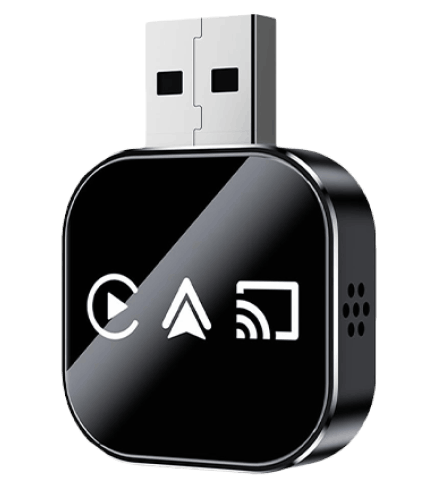
DrivePair is a compact plug-in adapter designed to make compatible wired Apple CarPlay or Android Auto systems work wirelessly. Instead of connecting your smartphone to your vehicle with a USB cable every time you drive, DrivePair is designed to create a wireless connection using the car’s existing infotainment system.
DrivePair is not a standalone infotainment system or an upgrade for vehicles that lack CarPlay or Android Auto. It is specifically designed to work on top of a vehicle’s factory-installed wired CarPlay or Android Auto, helping transform the existing wired connection into a more convenient wireless experience.
Once properly set up, DrivePair is designed to connect your compatible smartphone automatically when you enter the vehicle. This can help eliminate the repetitive process of plugging in and unplugging your phone during everyday trips while keeping access to familiar compatible in-car features.
DrivePair is particularly suited to drivers who already use wired CarPlay or Android Auto and want a simpler, cable-free experience. Its small, discreet design makes it easy to keep connected in the vehicle, providing a convenient way to enjoy wireless smartphone integration without replacing the existing infotainment system.
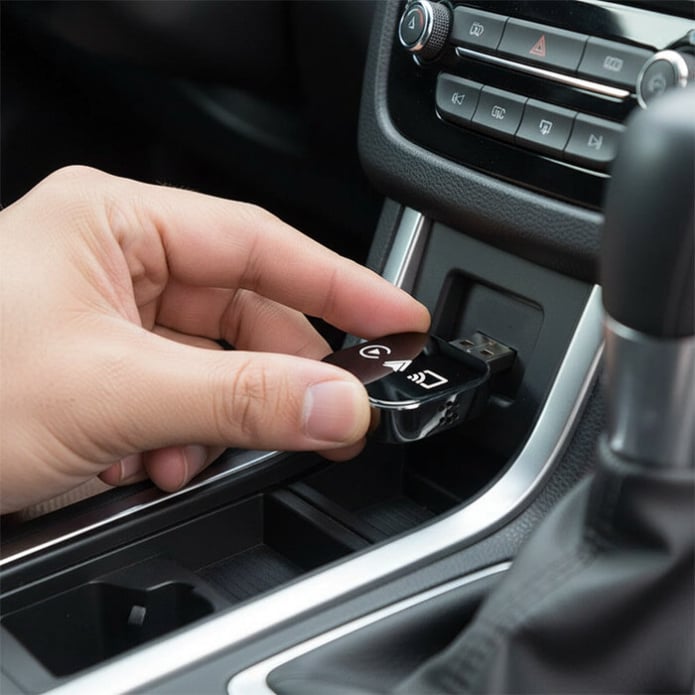
DrivePair works by connecting to your vehicle’s existing wired Apple CarPlay or Android Auto system through the appropriate USB port. Once connected, the adapter communicates with your compatible smartphone wirelessly, helping replace the need for a physical cable during everyday drives.
After the initial setup and pairing, DrivePair is designed to reconnect with your smartphone automatically whenever you start your vehicle. This means you can get into your car, start driving, and access compatible CarPlay or Android Auto features without repeatedly taking out your phone and plugging in a cable.
The adapter essentially acts as a bridge between your smartphone and the car’s factory infotainment system. Your vehicle continues using its existing display and controls, while DrivePair handles the wireless connection in the background. This allows you to continue using compatible navigation, music, calls, messages, and other supported functions.
DrivePair is intended specifically for vehicles that already support wired CarPlay or Android Auto. It does not add CarPlay or Android Auto to cars that lack factory support. For compatible vehicles, its compact plug-in design offers a simple way to make everyday smartphone connectivity more convenient and cable-free.
Here are some of the important benefits of DrivePair Wireless CarPlay:
Connect DrivePair to your vehicle’s compatible USB port. If your car uses a different USB connection, simply use the included USB-C adapter to establish the connection and prepare the system for setup.
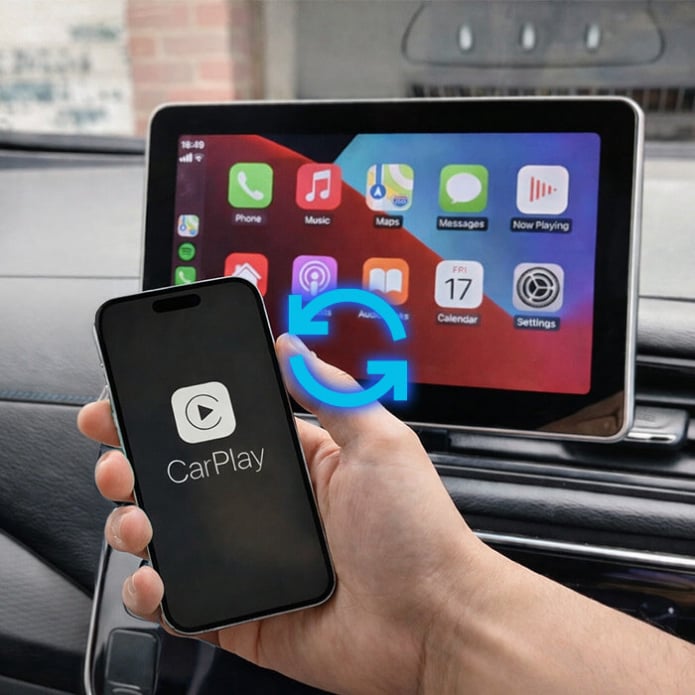
Follow the prompts displayed on your vehicle’s infotainment screen to pair DrivePair with your compatible smartphone. The initial setup is designed to be quick and straightforward, typically taking around 30 seconds to complete.
Once pairing is complete, you’re ready to go. DrivePair is designed to reconnect with your paired phone automatically whenever you start your car, giving you a convenient wireless CarPlay or Android Auto experience without repeatedly plugging in a cable.
Try DrivePair Wireless CarPlay with confidence thanks to our 30-Day Money-Back Guarantee. You’ll have time to set up the adapter, use it during your everyday drives, and experience the convenience of a cable-free connection with your compatible vehicle.
If DrivePair doesn’t meet your expectations within the first 30 days, you can request a refund according to the applicable return terms. There’s no need to keep a product that isn’t the right fit for your driving needs.
With a 30-Day Money-Back Guarantee, you can experience DrivePair with greater peace of mind and decide for yourself whether its wireless connectivity, automatic reconnection, and compact plug-in design make your daily driving more convenient.
Under 10 seconds. Our newest chipset pairs 5GHz Wi-Fi with Bluetooth 5.0 for near-instant connection every time you start your car.
This DrivePair adapter is compatible with 600+ vehicle models. If your car has factory wired CarPlay or Android Auto, this adapter will convert it to wireless.
Only if your car has a USB-C port instead of standard USB-A. We include the adapter free so you’re covered either way.
Absolutely. Siri, Google Assistant, volume, track skip, and all your factory controls work exactly as they did before.
No. Our 5GHz Wi-Fi connection delivers wire-speed performance. Music, calls, and navigation audio are all real-time with no perceptible delay.
Plug it in, pair once (takes about 30 seconds), and you’re done. No apps, no firmware updates, no dealer visits required.
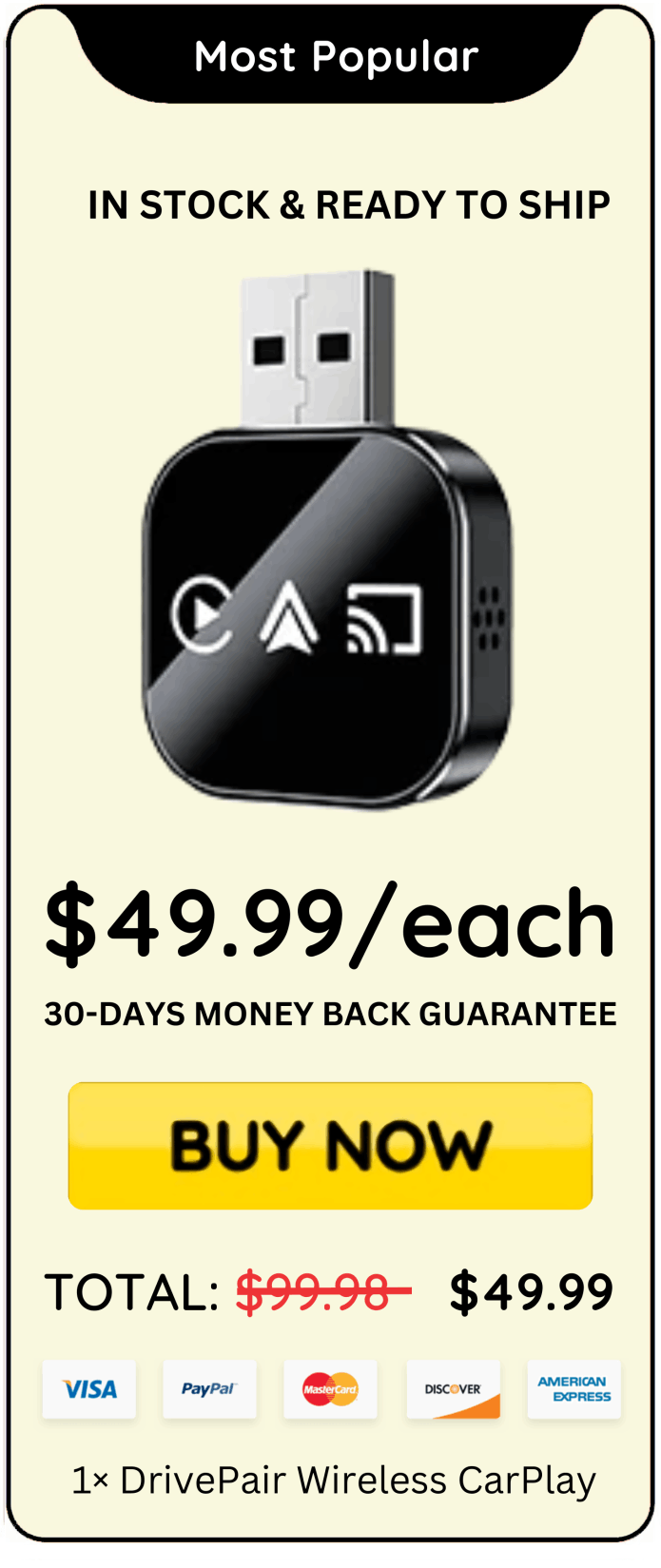
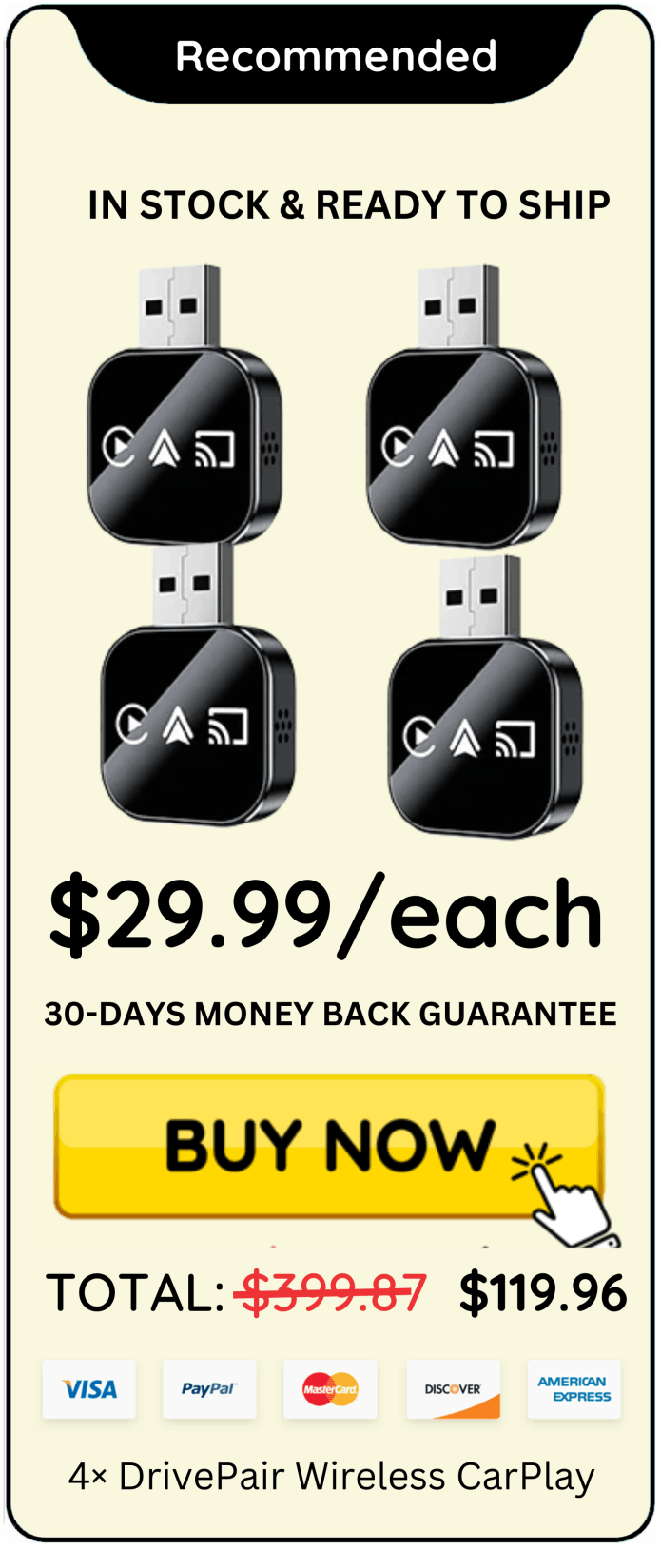
Once you have clicked the DrivePair Wireless CarPlay “Buy Now” button that is right below this text, you will be taken to the secure checkout page. Just enter your information, and you will then be given instant access to the entire DrivePair Wireless CarPlay.